
From the source material
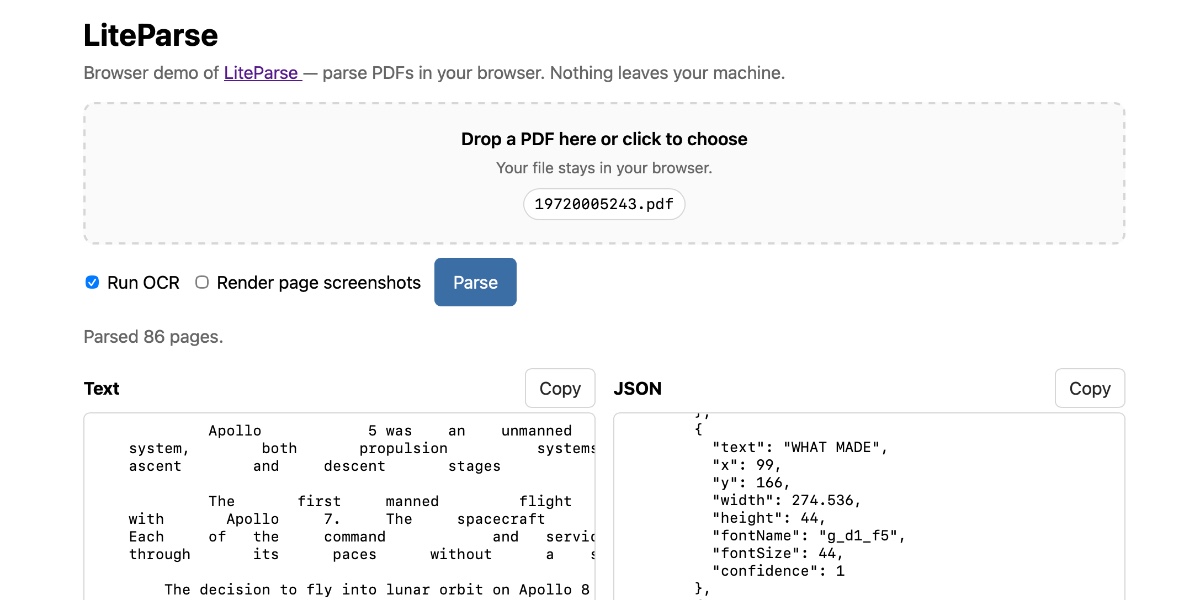
1 / 2
Image from Simon Willison.
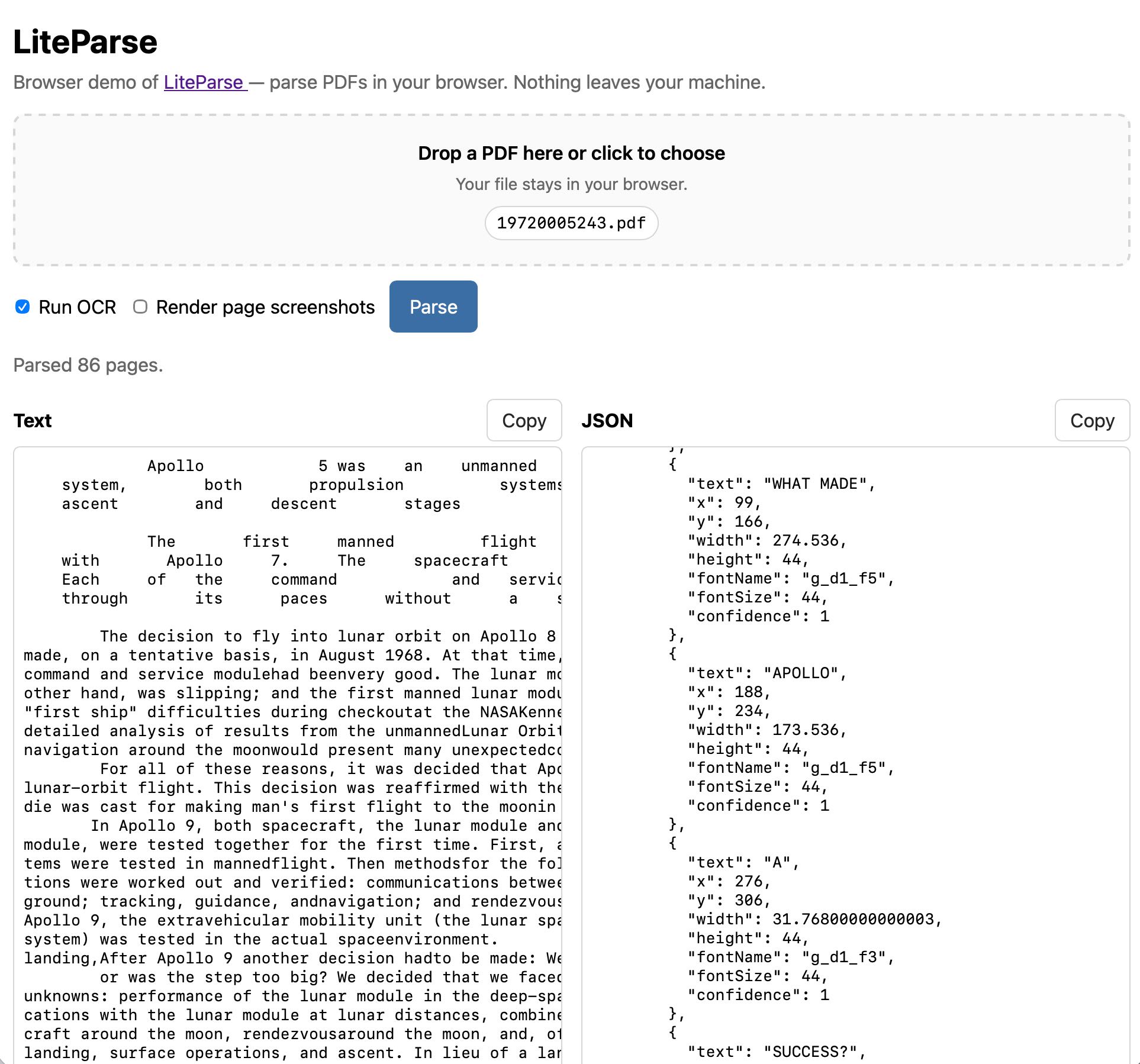
2 / 2
Image from Simon Willison.
The Simon Willison LiteParse browser experiment takes LlamaIndex’s LiteParse PDF extraction tool and makes it run as a static browser app. It allows users to choose a PDF, optionally use OCR, and extract text entirely locally. The tool is explicit that it uses good old-fashioned PDF parsing with Tesseract OCR fallback, rather than a model pretending to read a document by vibes. When the file stays in the browser, the privacy story gets vastly simpler, allowing the user to decide what to copy or send onward without blindly trusting an API. This approach makes the workflow feel faster and more inspectable, letting users see the extraction output before a model attempts to summarize or answer questions over it.
PDFs are notoriously hostile layout fossils, and the hard problem LiteParse tackles is spatial text parsing—grouping text into a sensible linear flow. A parser that preserves useful reading order gives downstream systems a fighting chance; without it, a RAG stack is just indexing debris. Local parsing also gives instant feedback. If the extraction looks wrong, the user can stop before the system burns tokens producing a polished wrong answer. While browser tools have limits with large files or heavy OCR, the underlying lesson is to choose the smallest sufficient data movement for the job. Often, the best AI architecture starts by asking whether AI is needed yet, prioritizing extraction, cleaning, and inspection before deciding if a model actually belongs in the loop.
In short
A browser-based LiteParse demo turns PDF extraction into a local-first workflow, proving that deterministic preprocessing should happen close to the user before inviting expensive models to guess.
Keep the signal coming
Useful AI, fewer talking points.
Follow Useful Machines for practical AI news, workflows, tools, and strategy. Sponsors can also evaluate whether this article belongs in the practical ai readers lane.